Using any C++ library in Godot
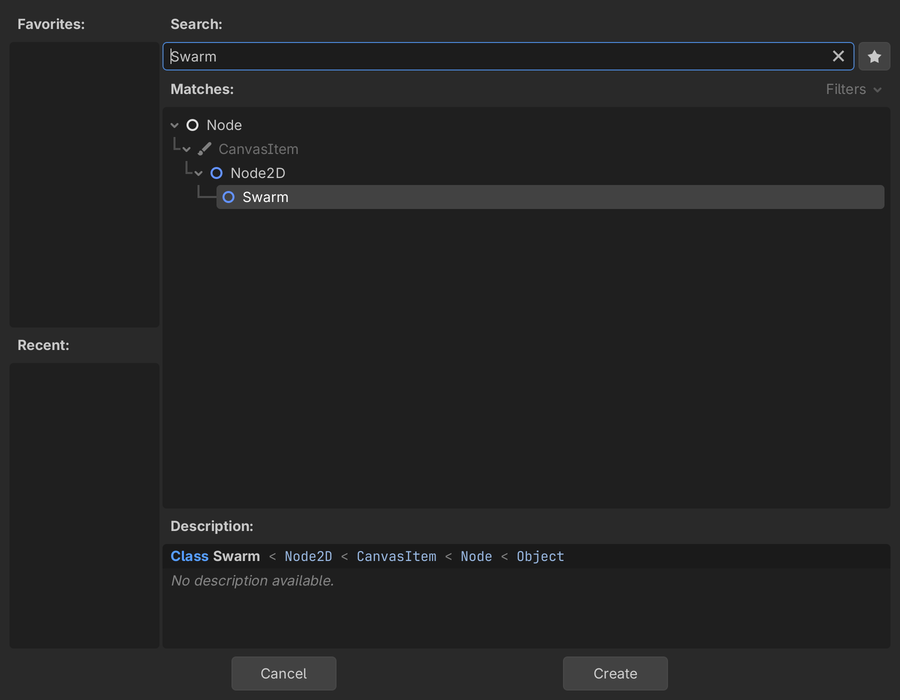
When you want to bring a C++ library into a Godot project, the first step is to compile the library as a shared object (.so, .dll, or .dylib depending on your platform). Make sure the library is built with the same compiler and ABI that Godot’s native modules use; otherwise you’ll hit symbol‑resolution errors at runtime. A quick way to verify compatibility is to compile a tiny test program that links against the library and runs inside the same build configuration you’ll use for your Godot module.
Next, create a Godot GDNative or GDExtension module that wraps the library’s API. In the module’s SConstruct (or CMake) file, add the library’s include directories and link flags, then expose the needed functions through a C‑style interface that Godot can call. Remember to mark exported symbols with `extern "C"` and `GDAPI` (or the appropriate macro for your engine version) so the engine can find them without name‑mangling issues.
After the native module compiles, you’ll need a small GDScript or C# wrapper that loads the extension and forwards calls to the C++ code. Godot’s `NativeScript` (or the newer `Extension` class) lets you register methods, properties, and signals, making the external library feel like a first‑class Godot object. Keep the wrapper thin—let the heavy lifting stay in C++—and use Godot’s `Variant` type to translate data between the engine and your library.
Finally, test the integration on all target platforms. Load the extension in a minimal scene, call a few functions, and watch the console for any missing symbols or crashes. If you encounter issues, double‑check that the library’s runtime dependencies are packaged alongside the game and that the correct version of the library is being loaded. Once everything runs smoothly, you can start building higher‑level gameplay features that leverage the power of your chosen C++ library directly inside Godot.
Source: Using any C++ library in Godot